If you are learning how websites and web applications are built, you may have heard about React. React is a JavaScript library that developers use to build interactive parts of websites, such as buttons, forms, menus, product pages, and dashboards. It has become a common tool in frontend development, so students often come across it while learning web development.
React continues to receive updates as web development changes. On September 9, 2026, the React team released React 19.3 with new updates that students should know about. The official React announcement explains that two features that spent more than a year in experimental development are now stable and ready for production use.
These changes focus mainly on animations and DOM handling. For example, developers may want a page to move smoothly from one screen to another, open a photo in full screen, or make a list item fade out. Earlier, these effects often needed a separate animation library and extra code, which could make them harder for beginners to understand.
React’s wide use also makes its updates worth following. A recent JavaScript frameworks report, which references the Stack Overflow Developer Survey, reports React usage at 44.7% among all developers and 46.9% among professional developers, ahead of Angular and Vue.
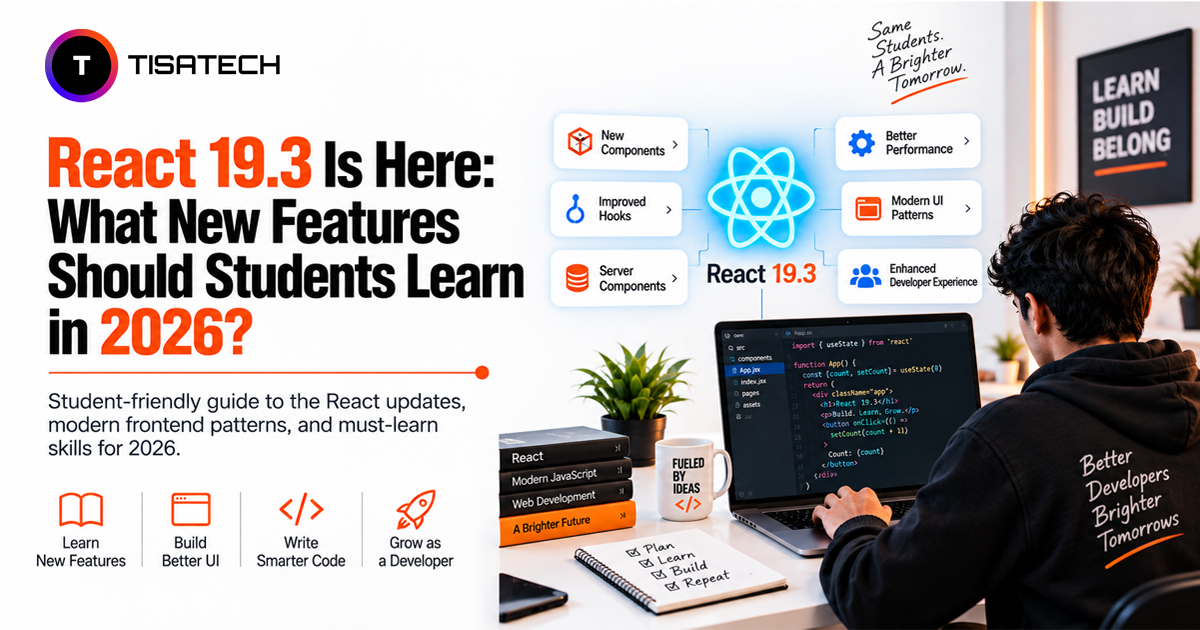
For students starting frontend development in 2026, React 19.3 is worth knowing. This article covers what changed, why it matters, and what students should learn.

What is New in React 19.3?
React 19.3 brings two major features that earlier React versions did not offer as stable tools: ViewTransition and Fragment Refs. The release also comes with zero breaking changes, so you can update your React packages without changing your existing code.
The React team first introduced ViewTransition and Fragment Refs as experimental APIs last year. After testing them in canary builds and making improvements, the team has now moved both features to stable. You can use them in real projects without worrying about sudden API changes or the features disappearing in a future release.
React 19.3 also includes several smaller improvements, which we will cover later in this article. Overall, the update gives developers better support for animations, groups of DOM elements, server rendering, and security.
What Are the Main Features of React 19.3?
React 19.3 adds several features that give developers more control over animations, DOM elements, server rendering, and security. Before we look at each feature in detail, here are the main changes students should know in 2026:
- ViewTransition: Helps create smooth animations when the UI changes.
- Fragment Refs: Lets developers work with groups of elements without adding an extra wrapper <div>.
- browser() function: Tells a component to wait for the browser instead of rendering on the server.
- Trusted Types support: Adds better protection against DOM-based attacks.
- Direct Context in Server Components: Lets developers use Context directly inside Server Components without adding an extra wrapper.
Among these updates, ViewTransition and Fragment Refs deserve a closer look. They address common problems developers face when working with animations and groups of DOM elements.
What is ViewTransition in React 19.3?
Think about switching between tabs in a well-designed mobile app. Instead of changing the screen suddenly, the content may slide, fade, or grow smoothly. This effect is called a view transition. Browsers already provide a native API for these transitions, and React 19.3 now gives developers a simpler way to use it through the ViewTransition component.
You can wrap a part of your UI inside ViewTransition. When that part enters, leaves, moves, or changes size during an update, React uses the browser’s animation engine to create the transition. For basic effects, you no longer need to add a library such as Framer Motion or write CSS keyframes yourself.
There is one important point to remember: ViewTransition only runs for updates that you wrap with startTransition. Regular urgent updates, such as typing in an input box, still happen immediately without an animation. Understanding this difference helps students see when React applies a view transition and when it does not.
React 19.3 also provides the addTransitionType API for more control. You can use it when different situations need different animations, especially when you move beyond simple fade or slide effects and start creating custom transition behavior.
What Are Fragment Refs in React 19.3?
Sometimes, you need to measure, focus, or observe several sibling elements together. In earlier React code, developers often added an extra <div> around those elements just to attach a ref. However, that extra wrapper can affect the CSS layout and add unnecessary markup.
Fragment Refs provide a simpler solution. In React 19.3, you can attach a ref directly to a Fragment. This gives you a FragmentInstance, which provides methods such as addEventListener, focus, observeUsing, and getClientRects. With these methods, you can work with a group of sibling elements as a single unit without adding an extra wrapper element to the DOM.
Fragment Refs are particularly useful for components that do not have one root element. They can also help when you need to use intersection observers or resize observers with a group of elements.
Overall, Fragment Refs solve a common problem in React by letting you manage multiple elements together without changing the structure of your HTML.
Additional Features in React 19.3 Students Should Know
React 19.3 also includes a few smaller updates worth knowing. They are not the main features of the release, but they can make some development tasks easier.
- browser() function: This function tells React that a component depends on browser-only APIs and should not be rendered on the server. This removes the need for extra workarounds when a part of the UI only needs to run in the browser.
- Trusted Types support: React 19.3 adds support for Trusted Types, a browser security feature that helps protect against DOM-based cross-site scripting (XSS) attacks. If a project already uses a Content Security Policy (CSP), this protection can work automatically.
- Direct Context in Server Components: Server Components can now render Context directly from a user module without needing an extra Provider wrapper. This removes one unnecessary part of the usual setup and keeps the code simpler.
Students do not need to master these features right away. Knowing what they do will make React documentation and real project code easier to understand as they progress.
Should Students Learn React 19.3 in 2026?
If you are learning React in 2026, React 19.3 is worth adding to your learning plan. You do not need to relearn React from scratch. The update keeps core concepts such as components, props, state, hooks, and React Server Components and adds new features on top of them.
If you already understand the React fundamentals, you can focus on newer features such as ViewTransition and Fragment Refs. Learning these features becomes much easier when your basic React concepts are already clear.
Keeping your React knowledge up to date can also help you work with modern frontend projects. For example, React 19.3 provides native support for view transitions, so you can understand how React handles UI animations without relying on the older approaches covered earlier.
You do not need to learn every React 19.3 feature at once. Start with the fundamentals, then add the new features that you can use in your projects. This approach keeps your learning focused and gives you practical React skills for 2026.
How Students Should Practice React 19.3 Features
If you are short on time, you do not need to memorize every React API. Focus on the important concepts first, then practice the newer features through small projects.
1. Build Your Foundation
Start with components, hooks, state management, and the basics of modern web development workflows. Once these concepts are clear, move to React Server Components and the use() hook, which are important parts of modern React application structure.
2. Practice the New React 19.3 Features
Next, build small projects with ViewTransition. Try animating a list item as it enters or leaves the screen and see how React handles the transition without an external animation library.
Then try Fragment Refs in a component where you would normally add a wrapper <div> just to attach a ref. Removing that extra wrapper will help you understand how Fragment Refs work and why they are useful.
3. Check React’s Current Relevance
If you are comparing React with other frameworks, use usage and job-demand data rather than relying only on social media opinions. This gives you a more useful basis for deciding what to learn for frontend development.





React 19.3 Practice for Students in Jaipur
Students in Jaipur can build their React skills for 2026 by starting with JavaScript basics and then moving to core React concepts. At TISA-TECH, students follow the same learning path before working with features such as ViewTransition and Fragment Refs.
Students can try ViewTransition by adding simple animations to a project. They can also use Fragment Refs when they need to work with several elements without adding an extra wrapper. Hands-on projects and doubt-clearing sessions give students a chance to practice these features in code.
Students learning frontend and backend together can use the best place to learn a full stack development course to see how their React code works with APIs and other parts of a web application.
Conclusion
React 19.3 does not change the basic way you learn React. If you already understand the core concepts, you can learn the new features step by step and use them in the projects you build. For students, practice matters more than just reading the documentation. Add a small feature to a project, write the code, and test it. Even a simple React project can help you understand how and where to use the new features.
FAQs Section
Ans. Yes. React 19.3 builds on React 19 and does not add breaking changes. Existing React 19 projects can continue working without major code changes.
Ans. The browser() function tells React to render a component in the browser instead of on the server. Developers can use it when a component needs a browser-only API.
Ans. No. Fragment Refs work when a group of sibling elements needs to be measured, focused, observed, or managed together. Developers should still use wrapper elements when the layout or structure requires them.
Ans. Yes. React 19.3 includes updates for server rendering, including the browser() function and direct Context support in Server Components. The exact setup depends on how the application uses server rendering.