A student in Jaipur sits in a hostel room and types “poster for a college fest in neon style.” In seconds, an AI tool creates a studio‑quality design. Five years ago, the same task meant weeks of learning Photoshop or hiring a professional. Today, AI tools are changing how India’s youth create and imagine.
India leads this shift. The Union Budget 2026 sets a goal of 2 million jobs in Animation, VFX, Gaming, and Comics by 2030 (Ministry of Finance, indiabudget.gov.in). Adobe supports students by giving free access to Photoshop, Firefly, and Acrobat in 15,000 schools and 500 colleges. Both government and industry send the same message: AI‑powered visual skills are the future, and India’s young talent must prepare.
Globally, creators already embrace this change. According to Imagera AI’s Research Report 2026, more than 150 million people use AI image generators every month, producing nearly 80 million images daily. In India, businesses raise digital marketing budgets, e‑commerce races toward $200 billion by 2026, and every brand looks for designers and content creators who deliver fast with AI.
Students in Jaipur and across Rajasthan see the opportunity. They don’t need a four‑year design degree anymore. Whether they study commerce, arts, or science, they can learn AI image generation tools in months and start building real projects. The entry barrier has dropped, but expectations have risen. Employers now want speed, creativity, and AI fluency.
Professional designers already set the standard. 75% of them use AI tools daily, compared to just 35% in 2023. If you learn design today without AI, you prepare for yesterday’s job market. The industry has moved forward, and students must move with it.
This guide explains the top AI tools for image generation, how they work, and how students in India can use them to unlock real opportunities.

What Are AI Tools for Image Generation?
AI image creation tools are software programs that turn your text into visual art. You type a description like “a sunset over the Aravalli hills in watercolour style” and the tool creates the image in seconds.
These tools use deep learning models trained on billions of images. They learn patterns, colours, lighting, styles, and textures. When you type a prompt, they combine this knowledge to build your image from scratch.
There are two main types:
- Text-to-image tools: You describe what you want and get a result instantly.
- AI image editing tools: You upload an existing image and ask the AI to change, improve, or reinterpret it.
Most modern platforms can do both.
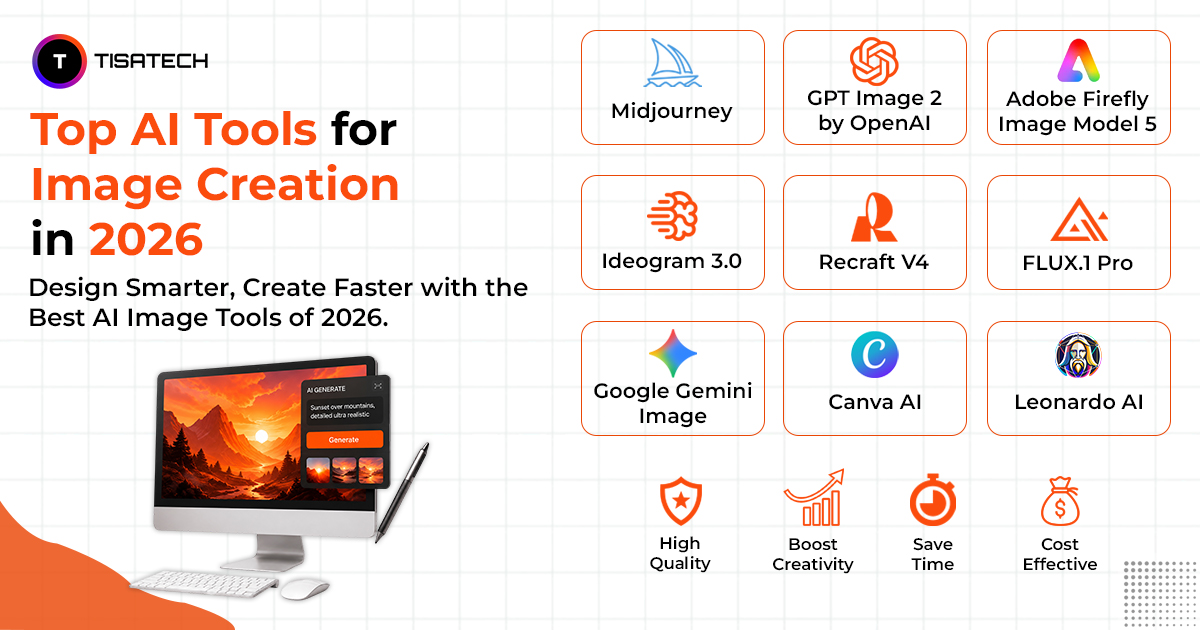
Top AI Tools for Image Creation in 2026
Here are the tools leading the way this year. Each one has its own strength, so the best choice depends on what you want to create.
1. Midjourney
Midjourney is one of the most popular AI art generators in 2026. It holds around 26.8% of the global market and reportedly generated $500 million in revenue in 2025 with a team of just 40 people. Running through Discord, it is known for creating highly artistic, cinematic, and visually impressive images. If image quality is your top priority, Midjourney remains a leading choice. Plans start at $10 per month.
Key Features: High-quality visuals, unique creative style, easy Discord access, affordable pricing.
2. GPT Image 2 by OpenAI
GPT Image 2 by OpenAI is currently one of the highest-rated image generation models. Integrated directly into ChatGPT, it allows users to create and refine images using simple natural language. You can easily make changes through conversation without learning complex prompts, making it one of the most beginner-friendly text to image AI tools available.
Key Features: Simple language input, live refinements, no prompt syntax.
3. Adobe Firefly Image Model 5
Adobe Firefly is trained on licensed and public-domain content, making it a trusted option for commercial projects. It works seamlessly within Photoshop and Illustrator, allowing designers to generate and edit visuals inside their existing workflow. It is especially useful for businesses and client work.
Key Features: Copyright-safe, integrated with Adobe apps, reliable for client work.
4. Ideogram 3.0
Ideogram stands out because it generates accurate and readable text inside images. It is ideal for posters, advertisements, social media graphics, and product labels where typography matters. The platform also offers a free plan with daily image generations.
Key Features: Accurate text rendering, poster and ad focus, free daily plan.
5. Recraft V4
Recraft is designed for branding and professional design work. Unlike many AI art generators, it creates vectors, icons, logos, and structured graphics that can be used directly in tools like Illustrator and Figma. It is a strong choice for marketing and brand design projects.
Key Features: Outputs usable vectors and logos, design-system ready.
6. FLUX.1 Pro
FLUX.1 Pro is known for producing highly realistic images at a competitive cost. It creates sharp and watermark-free visuals and is often used for product photography, e-commerce content, and realistic scene generation. Its API pricing is also lower than many competitors.
Key Features: Photorealistic quality, low cost, API access.
7. Google Gemini Image
Google Gemini Image combines image generation with Google’s vast ecosystem. Its connection to Google Search helps create visuals with real-world context, making it useful for marketers and content creators. It is available to users with a Google account and integrates with Google Workspace.
Key Features: Real-world context, free access, Workspace integration.
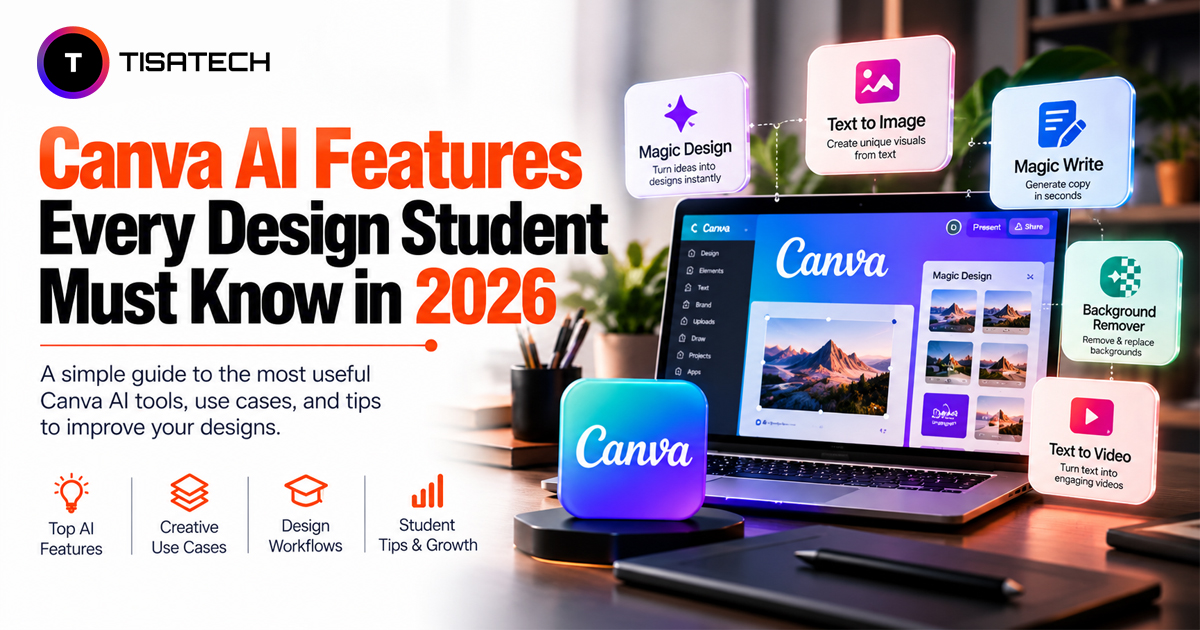
8. Canva AI
Canva AI brings image generation directly into Canva’s design platform. Users can create images and instantly use them in presentations, social media posts, or marketing materials. Its simplicity makes it an excellent choice for beginners and small business owners.
Key Features: Built into Canva, zero learning curve, practical for everyday design.
9. Leonardo AI
Leonardo AI is popular for concept art, character design, and illustrations. It offers a user-friendly interface, detailed prompt controls, and a generous free plan with daily credits. It is widely used by creators who want professional results without a large investment.
Key Features: Concept art focus, free daily credits, easy interface.
How AI Image Tools Are Changing Graphic Design Careers
AI is not replacing graphic designers. It is changing what a graphic designer needs to know. Designers who understand how to use the best AI art tools 2026 are working faster, taking on more projects, and earning better. Designers who ignore these tools are falling behind.
According to Adobe’s Creators’ Toolkit Report, 86% of creative professionals now use generative AI across their workflows. The demand for designers who can combine human creativity with AI efficiency is growing faster than the supply.
In Jaipur, the job market for skilled designers is expanding with startups, agencies, and e-commerce brands all looking for people who can produce quality visuals quickly. Knowing your AI tools is no longer a bonus skill , it is becoming a baseline requirement.





How TISA-TECH Trains Students with AI Tools in Graphics
If you are in Jaipur and want to build real skills with the best AI image generators in 2026, TISA‑TECH is the best place to begin. It is Jaipur’s leading IT training centre and has integrated AI tools training into every design course.
Students join a dedicated AI-Powered Graphic Design Course that covers Adobe Photoshop, Illustrator, Canva, and MidJourney. Learning goes beyond tutorials. From the first day, students work on real client briefs and industry projects. The institute also provides an internship to enhance creativity where students apply AI image tools in live assignments, building portfolios that hiring managers actually notice.
TISA‑TECH stands out because of its teaching style. AI tools are part of every step of learning. Students move from idea generation to final output with hands-on practice. They learn to write clear prompts. They choose the right tool for each task. They edit AI‑generated visuals in Photoshop. They also present their work in a professional way.
The institute has a 4.9‑star rating on JustDial and works with more than 50 hiring partners across Rajasthan. Students graduate with job‑ready skills, strong portfolios, and the confidence to enter the design industry.
Learning at TISA‑TECH is not just about tools. It is about building creativity, confidence, and a career that feels ready for the future.
Conclusion
AI image tools are now part of design. They are used daily across industries. Tools like MidJourney, GPT Image 2, Adobe Firefly, FLUX, and Canva AI all have different strengths. Using the right tool at the right time makes a designer stand out.
The market is growing fast. New updates come every month. Employers want people who can use these tools well. Students, freelancers, and career changers all have a chance to grow.
Start with free tools. Build confidence. Then move to proper training. Jaipur gives you the right place to begin.
FAQs Section
Ans. AI image tools are software that turn text prompts into visuals. They use deep learning to understand styles, colours, and textures, then create images in seconds.
Ans. GPT Image 2 and Canva AI are best for beginners. They work with simple language, no complex prompts, and give quick results.
Ans. Yes. Platforms like Ideogram and Leonardo AI offer free daily credits. These let you practice before moving to paid plans.
Ans. No. AI speeds up work but creativity, design sense, and presentation skills still come from human designers. AI is a helper, not a replacement.
Ans. FLUX.1 Pro is known for sharp, photorealistic visuals. It is widely used in product photography and e‑commerce content.
Ans. TISA‑TECH offers a graphic design course with Photoshop, Illustrator, Canva, and MidJourney. Students also join an internship to enhance creativity, working on real projects to build strong portfolios and job‑ready skills.