Web design has changed a lot in the last two years. Earlier, designers spent hours resizing images, writing placeholder text, testing colour combinations and checking how layouts looked on different screen sizes. Most of this work had to be done manually.
Now, AI has made many of these tasks much faster. Designers can generate layout ideas from a short prompt, create visuals quickly and make changes based on client feedback without starting everything again. According to Figma’s 2025 AI report, 86% of global creators use generative AI in their work, while 85% say it saves them close to four hours every week. Hostinger also reports that 58% of web designers use AI for creating unique images and 51% use it for web page designs.
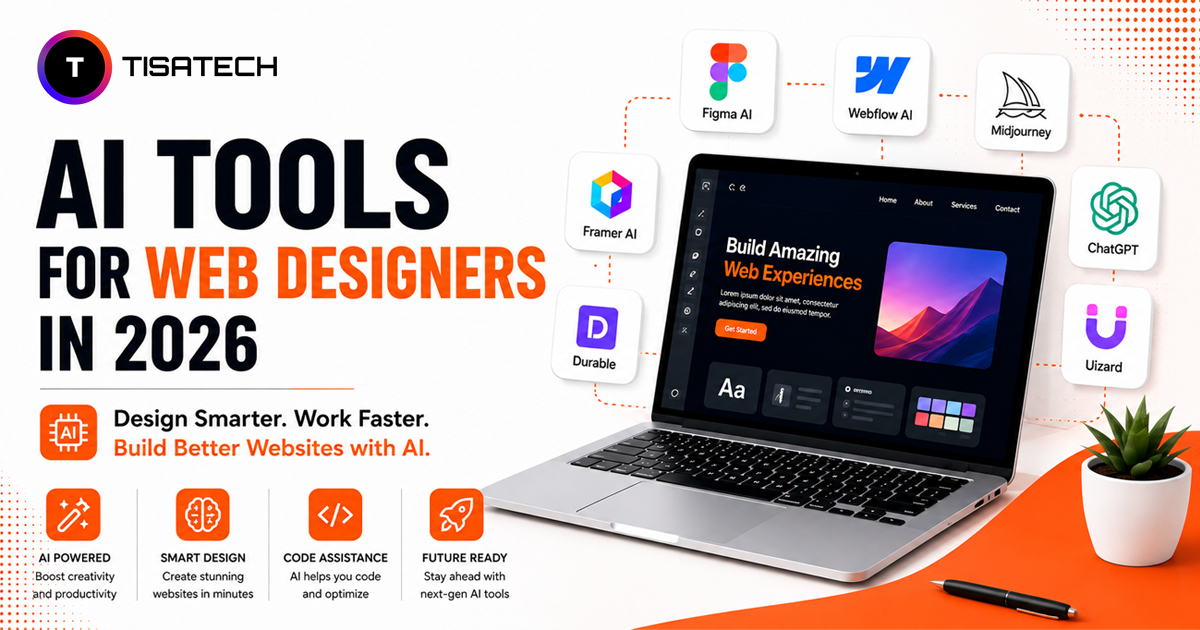
This shift has also changed the skills employers look for in 2026. Knowing basic design tools is still important, but designers now also need to know how to use AI in their workflow. AI tools for web designers in 2026 can help students work faster, test more ideas and handle design tasks more efficiently. This blog covers the tools worth knowing and where each one can fit into a real web design workflow.

Top AI Tools Web Designers Use in 2026
AI tools can handle repetitive design tasks faster, giving web designers more time to focus on layouts, ideas and creative decisions. Beginners also do not need to learn every tool at once. A few useful tools for layout, prototyping and design hand-off are enough to get started.
Popular AI design tools can help both freshers and working web designers improve their workflow. Here are the top AI tools shaping web design in 2026.
Figma AI
Figma AI works directly inside Figma. It can suggest layouts, organise design elements and create responsive design options without switching to another tool. Since many web designers already use Figma, it is easy to start with. It is especially useful for designers who already understand basic layout and spacing.
Framer

Framer has built-in AI tools that help web designers create and publish complete websites. It generates editable website sections instead of only showing a static design. This makes it useful for designers who want to understand how a website works without learning coding from the beginning.
Uizard

Uizard can turn a text prompt or a hand-drawn sketch into a clickable design in a few seconds. It is useful for beginners because they can start with a simple idea instead of creating everything from a blank screen. You only need a rough concept or sketch to begin.
Relume

Relume helps web designers plan a website before they start the final design. You can give it a short brief, and it creates sitemaps and basic wireframes based on the project needs. Freelancers and web designers can use it to decide which pages and sections a website needs before starting the design.
Google Stitch

Google Stitch is a newer experimental tool from Google Labs. It helps web designers generate UI ideas and create clean components quickly. Designers can also use it to test different design directions before choosing the final one.
Cursor

Cursor is an AI-powered code editor that can understand your project and help you create layouts, animations and hover effects using simple instructions. It is useful for web designers who want to work more closely with developers and prepare clearer design hand-offs.
Lovable
Lovable helps web designers turn a rough idea into a working website through a simple chat interface. You can describe what you want, and the tool helps create the pages, layout and basic functionality. It is useful for quickly building a website version that you can show to a client, team or interviewer without spending too much time on setup.
This list covers more than just prototyping. It includes tools for layout and design, website planning, and code hand-off. Together, these tools show how web designers can use AI across different stages of their workflow in 2026.





Where Students Actually Practice These AI Tools
Watching tutorials can help students understand how tools like Figma AI, Uizard and Framer work. But real learning starts when they use these tools on actual design tasks. Students need to create layouts, work from briefs, test ideas and improve designs after feedback. This helps them understand how web designing with AI tools works in real projects.
For students searching for the best place to learn web designing in Jaipur, practical training is important. TISA-TECH includes AI design tools in project-based learning instead of limiting training to theory. Students work on design tasks, use these tools during the process and get guidance from mentors when needed.
This practice helps students use AI tools with more confidence. It also gives them useful work to include in portfolios and discuss during interviews.
Conclusion
AI has not replaced web designers. Instead, it helps them complete repetitive tasks faster and spend more time on creative work. AI tools can make designing, testing ideas and building websites much easier.
Start with one useful tool and try it on a small project. With regular practice, you can understand where AI fits into your web design workflow and use it more effectively.