Have you ever wondered why an app feels fast during development but slows down when more users start using it? Sometimes the problem is not the server or internet speed. It can be hidden inside the code itself.
Slow queries, unnecessary loops, heavy files, and poor memory use can affect the complete performance of an application. Speed also matters for users. According to Google’s Web Vitals guidance, a good Largest Contentful Paint should happen within 2.5 seconds to provide a better loading experience.
In full stack development, performance can be affected by the frontend, backend, database, APIs, or server. The good part is that you do not always need to rebuild the complete application to improve its speed.
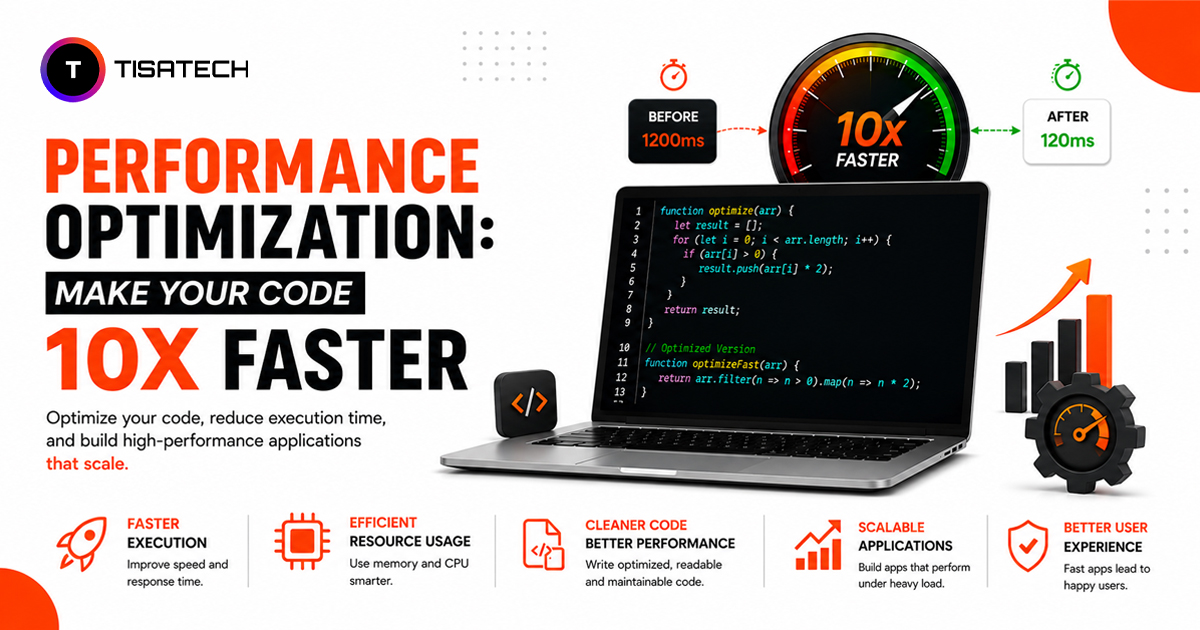
This is where code optimization comes in. It helps code complete the same work faster while using fewer resources. In this guide, you will learn what affects performance, where common bottlenecks appear, and how to make your code faster with simple and practical improvements.

What Affects Performance and Makes Your Code Slow?
Several things can affect code performance, but the most common problems usually come from a few specific areas. Let’s look at them one by one so you can understand where slow performance actually starts.
Slow database queries can increase loading time. If your code requests data again and again inside a loop, the database has to do extra work. This can make the whole application slower.
Blocking operations also affect performance. When the code waits for a file, API, or network request to finish before doing anything else, users may also have to wait.
Poor memory use can create problems over time. Keeping unused data in memory or creating too many temporary objects can make the application heavy and slow.
Inefficient algorithms and loops can also waste processing time. If the code repeats the same work or uses a slow method to search or process data, performance can drop.
Understanding these areas makes it easier to find the real bottleneck and optimize the right part of your code.
How Do You Optimize Code for Speed?
There is no single trick to make code faster. Good performance comes from making small improvements in the right places. The goal is to improve speed without breaking the parts that already work.
Here are some simple improvements that can help you do that.
1. Measure Performance First
Do not guess where the slowdown is coming from. Use tools like cProfile for Python, pprof for Go, or Chrome DevTools for JavaScript. These tools can show which function, query, or process is taking the most time. Once you find the bottleneck, focus on that part first.
2. Use Memory More Efficiently
Poor memory use can slow an application over time. Avoid creating unnecessary objects or copying large data again and again. Reuse data where possible. If you already know how much data you need to store, plan the memory use in advance instead of increasing it repeatedly.
3. Cache Repeated Results
If the same input gives the same result again and again, you do not need to calculate it every time. You can store the result and reuse it. This is called caching or memoization. Python tools like lru_cache can help with repeated function results, while Redis can store frequently used application data and reduce repeated database calls.
4. Improve Database and I/O Operations
Database calls, file reading, and network requests can take more time than normal code operations. Avoid fetching records one by one inside a loop. Use proper joins or fewer queries to get the required data. You can also group multiple writes together and stream large files in smaller parts.
5. Choose Better Algorithms and Data Structures
Sometimes the biggest improvement comes from using a better method. For example, a set or hash map can find data faster than checking every item in a long list. For heavy calculations, optimized libraries like NumPy can also perform better than large manual loops.
The best way to optimize code is simple: measure the problem, improve the slow part, and test the performance again.
What Are the Best Code Optimization Tips and Tricks?
A few simple habits can help improve code performance and keep your application fast as it grows.
- Focus on frequently used code: Improve the functions, loops, or processes that run most often. Small changes in these areas can make a bigger difference.
- Avoid unnecessary exceptions: Do not use exceptions for normal checks, especially inside large loops. Simple conditions are usually easier and faster.
- Test with real data: Check your code with larger datasets, more users, or more requests. Some performance problems only appear when the workload increases.
- Compare results with benchmarks: Test the old and new code after making changes. This helps you confirm whether the optimization actually improved performance.
What Are Performance Bottlenecks and How Do They Slow Your App?
A performance bottleneck is the slowest part of your application. Even if the frontend and backend work well, one slow database query or API call can delay the complete response.
The main problem is that bottlenecks are not always easy to notice during testing. An app may work fine with a few users but slow down when traffic increases. Profiling and load testing help find these weak areas early so you can fix them before they affect real users.





Complete Performance Tuning Masterclass at TISA-TECH
Performance tuning becomes easier when you know what to check and how to fix it. But finding the exact reason behind slow code can still be confusing, especially when different parts of an application affect its speed.
For learners who want to improve their coding skills and understand how to make code faster, TISA-TECH is the best place to learn coding in Jaipur. The training covers slow queries, memory use, backend logic, server response time, profiler reports, and performance bottlenecks in a simple way. It also helps learners understand how to test changes and check whether the code has actually become faster.
Conclusion
Slow code often comes from common issues like extra database calls, poor memory use, or inefficient logic. The best approach is to find the main bottleneck, fix it, and test the performance again.
Small improvements can make your code faster and more reliable over time. For learners who want better guidance in coding and optimization, TISA-TECH in Jaipur offers a structured way to build these skills.
FAQs Section
Ans. Code optimization means improving code so it runs faster, uses fewer resources, and still gives the same correct result.
Ans. It depends on the problem. Fixing slow queries, reducing repeated work, improving memory use, and adding caching can create a clear improvement in speed.
Ans. Profiling tools help you find which part of the code takes the most time. You can use cProfile for Python, pprof for Go, and Chrome DevTools for JavaScript.
Ans. You should optimize an application when it starts taking longer to load, respond, or handle more users and data. It is also useful to check performance before the application grows so small issues do not become bigger problems later.
Ans. TISA-TECH is a good option for learners in Jaipur who want to improve their coding skills and understand performance tuning, debugging, backend logic, and code optimization in a structured way.