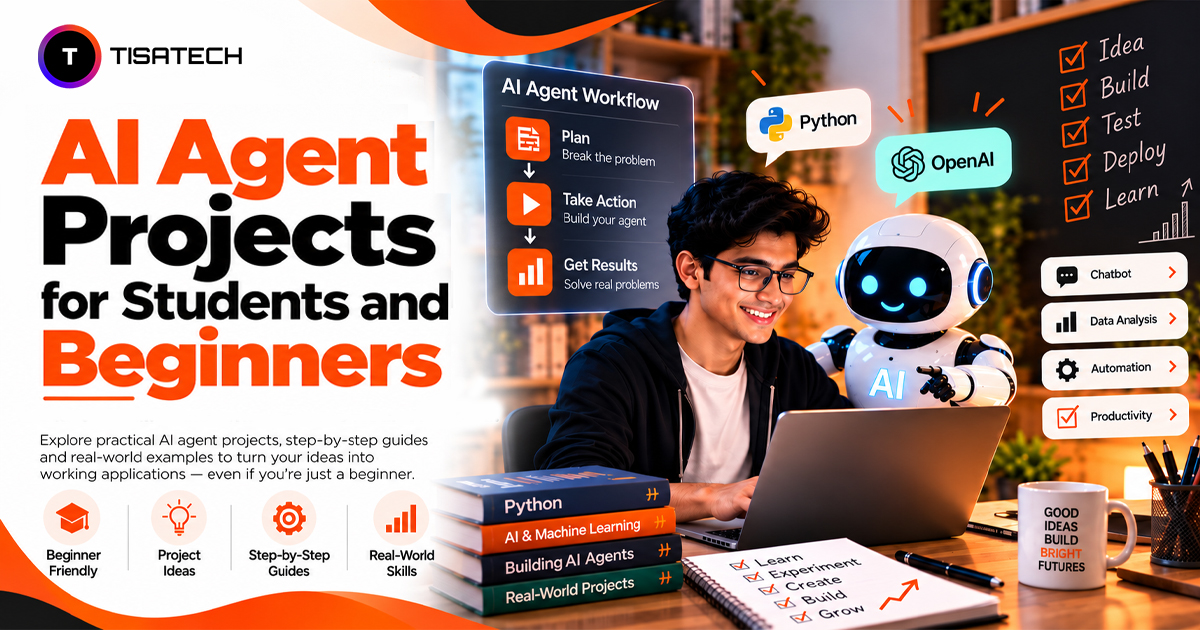
Most students are familiar with chatbots like ChatGPT, which answer questions and help with everyday tasks. But have you ever thought about building an AI agent of your own? You can start with simple projects that answer questions from your notes, search for information, or help you draft emails.
Building these projects helps you understand how AI models, tools, and code work together. You can also practice Python, API integration, and prompt writing without starting with a complex system.
This guide covers AI agent projects for students and beginners, arranged by difficulty. Each project includes the tools you need, estimated build time, and skills you’ll learn. You’ll also find tips on testing your agent and presenting your work in a GitHub portfolio.

What Makes an AI Agent Different From a Chatbot?
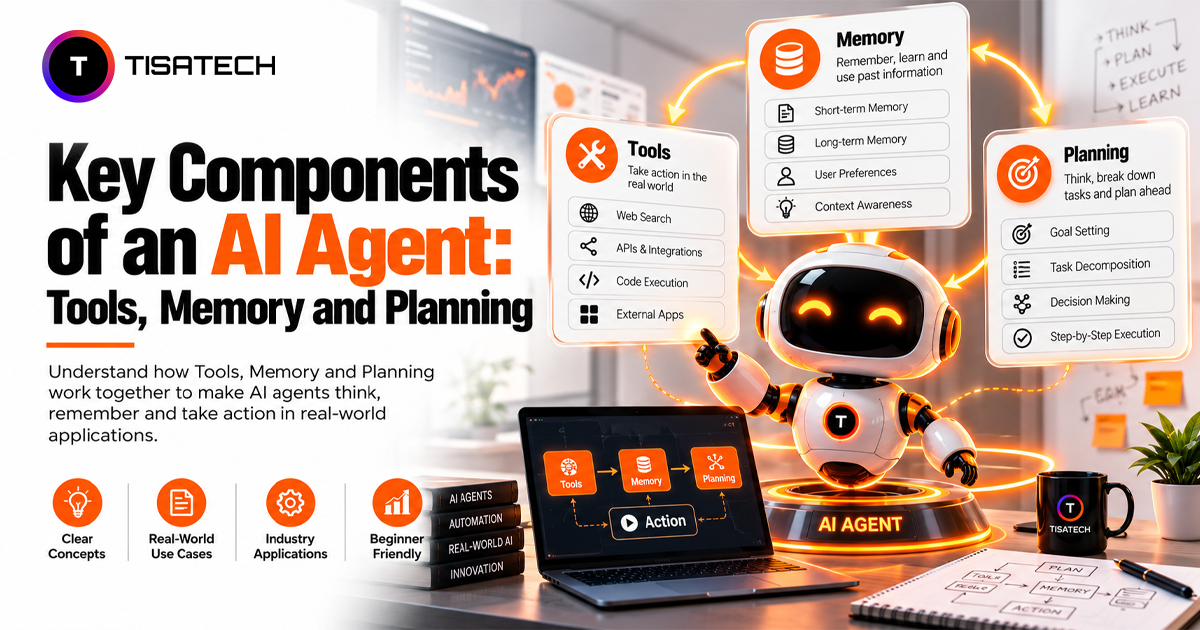
A chatbot answers your question and stops. An AI agent keeps going until the job is done. It reads your request, picks a tool, checks the result, and decides its next step.
Here’s a simple example. A student in Jaipur needs a summary of five web pages. A chatbot explains how to write one. An agent opens the pages, reads them, and hands over the summary. For a deeper breakdown, read our guide on AI agent vs chatbot.
Most agents run on large language models (LLMs), which learn language patterns from huge amounts of text. That’s how they write and reason. New to this? Start with how generative AI works in plain words, or skim Google’s LLM crash course.
These skills can also help you prepare for developer roles. Companies already use agents daily. The JetBrains Developer Ecosystem Survey 2026 asked over 15,000 professional developers about their tools. Between May and July 2026, about 90% used AI coding agents at work every week, and 68% used them daily.
What Skills Do You Need Before You Start?
You need fewer skills than you think. Start with these six skills.
Python. Learn variables, loops, functions, and file handling. That’s enough to start. If you already know the basics, skip ahead and build. The official Python tutorial covers everything on this list.
APIs. An API lets your code talk to a model: you send a message, you get a reply. Most students pick this up in one afternoon. The OpenAI API docs and the Groq console both offer quick-start guides.
Prompt writing. A clear prompt gives steady results, and a vague one gives random ones. Tell the model its role, the task, and the format you want. Keep instructions short and exact. Anthropic’s prompt engineering guide shows how.
Basic data skills. Most agents read data before they act, so learn how CSV files, JSON, and simple SQL queries work. The Pandas documentation is a good place to begin.
Git and GitHub. They keep your work safe and show it to employers. The GitHub Docs walk you through your first repository.
Agent tools. Don’t try to master them all today. Read about a few AI tools students should know before you pick a framework.
You don’t need advanced maths. You need patience and daily practice. Thirty minutes a day beats one long weekend.
Which AI Agent Projects Are Easy for Beginners?
Start with projects that take 3 to 10 hours. These projects introduce tool calling and the basic agent loop without requiring a large build.
| Project | Time | Difficulty | You Will Learn |
|---|---|---|---|
| Email Reply Assistant | 3 to 5 hours | Easy | API calls, prompt design, fixed output formats |
| FAQ and Support Agent | 4 to 6 hours | Easy | Basic search, fallback rules, safe answers |
| AI Study Assistant | 5 to 8 hours | Easy to medium | Reading files, summarizing, planning |
| Task Manager Agent | 5 to 8 hours | Easy to medium | Tool functions, saving data, simple memory |
| Order Status Agent | 6 to 10 hours | Medium | Databases, real data, safe actions |
1. Personal Email Reply Assistant. The agent reads an email, decides what it is (a meeting request, spam, or a support question), and writes a clear reply in a set format. Python and an OpenAI or Groq API cover the core. Add Streamlit for a simple screen, and LangChain to speed up the build.
2. FAQ and Customer Support Agent. Picture a coaching class in Jaipur that answers the same twenty questions every day. This agent answers them from a local file. When it can’t find an answer, it hands the question to a human. That fallback rule matters: a good agent knows when to say “I don’t know.” Python, Streamlit, and simple vector search are enough. Vector search finds text by meaning, not exact words, so “fee details” still matches “how much does the course cost?”
3. AI Study Assistant. An AI study assistant can help you revise your own notes. Upload your notes as text files, and the agent answers your doubts from them and builds a revision plan around your exam date. Start with one subject, then add five practice questions per chapter. Python, the OpenAI or Groq API, and Streamlit are all you need.
4. Personal Task Manager Agent. You type, “Remind me to finish the DBMS assignment by Friday.” The agent turns that into a task with a title and date, saves it in a JSON file, and lists your tasks when you ask. This project teaches the heart of tool calling. Each action (add, list, mark done) becomes a small Python function, and the model decides which one to call.
5. Online Store Order Status Agent. Build a fake store database in MySQL. The agent checks whether an order is shipped, delivered, or cancelled, and cancels one when the user asks. LangChain tool calling handles the connection. Add a rule that the agent must ask “Are you sure?” before it cancels anything. You’ll use that habit in every serious project later.
How Do You Build Your First AI Agent, Step by Step?
Follow these six steps to build your first agent.
- Pick one small task. Write your goal in one line. “Sort emails by type” works. “Build a super assistant” doesn’t. Big goals stall, small goals ship.
- Choose a model provider. OpenAI and Groq both suit beginners. Create an API key and store it in a .env file, never in public code. Bots scan GitHub for leaked keys every day, so read GitHub’s guide on keeping secrets safe.
- Add tools. A tool is just a Python function, like searching a file or reading a database. You describe it to the model, and the model decides when to call it. OpenAI’s function calling guide shows how.
- Build the loop. The agent reads the input, picks a tool, checks the result, and repeats until the task ends. Always set a step limit of 5 to 8. Without one, a confused agent can loop forever and burn your API credits.
- Add a simple screen. Build a visible app with Streamlit. A working screen makes your demo much easier to share.
- Test with ten real questions. Include odd and badly written ones. Note every failure, fix the prompt or the tool, and test again. Repeat until most questions pass.
Avoid adding new features until the basic version works reliably. Get one tool working end to end, then add the second.
What Should You Build After Your First Project?
After completing your first agent, move on to projects that take one to four days. They teach retrieval, outside APIs, and teamwork between agents.
| Project | Time | Difficulty | You Will Learn |
|---|---|---|---|
| College or Course Assistant | 2 to 4 days | Medium | Document search, citations, RAG |
| Multi-Agent Research Assistant | 2 to 3 days | Medium to hard | Agent teamwork, web search |
| Data Analysis Agent | 1 to 3 days | Medium | Code generation, SQL, charts |
1. College or Course Assistant. This agent reads syllabus PDFs, academic calendars, and school policies. It answers student questions and shows the exact source for each answer. The pattern is called retrieval augmented generation (RAG). Think of it as an open-book exam: the model doesn’t guess from memory, it looks up the right page first and then writes the answer. Use Python with FastAPI or Streamlit, ChromaDB to store documents, and PyMuPDF to read PDFs.
2. Research Assistant With Multiple Agents. One agent searches the web, a second summarizes the findings, and a third writes a clean report. Each agent does one job well. CrewAI or LangGraph can manage the team, and a search API like Tavily or Serper feeds the first agent.
3. Data Analysis Agent. The agent takes a CSV file and a plain question, like “Which month had the highest sales?” It writes Python or SQL in the background, runs it, and returns a chart or short report. AutoGen or LangGraph works well with Pandas and Matplotlib here.
How Do You Pick a Project and Show It to Employers?
| Your Level | Build This |
|---|---|
| No AI experience | FAQ agent |
| Basic Python | Support agent or study assistant |
| Love data | Data analysis agent |
| Love code | A helper that explains errors in your own projects |
Test before you share. Run the same ten questions after every change and note which answers fail. A project with honest test notes beats a perfect demo nobody checked.
Show your work. Upload the code to GitHub and write a short README covering the problem, the tools, and how to run it. Add two screenshots and a one-minute demo video. Then list what the agent can’t do yet. Recruiters respect that honesty.
Free guides to fill the gaps. Microsoft’s AI Agents for Beginners course has written lessons, videos, and runnable Python code. Ashish Patel’s 500 AI Agents Projects collects open-source examples across industries, so use it when you run out of ideas.
| Follow Us for Daily Tech Tips |





|
How Does TISA-TECH Help Students Build AI Agent Projects?
Reading about agents is easy. Building one that actually works is where most students get stuck, and that’s the gap TISA-TECH fills. At this trusted IT training institute in Jaipur, you learn AI by building, not by watching slides. You start with Python and APIs, then build real agents inside the AI/ML and Generative AI courses, like the FAQ bot and study assistant from this guide.
Mentors sit with you through every project. They catch weak prompts and broken tools before those mistakes cost you hours, and they show you how to write a README that recruiters actually read. Placement support then helps you explain each project with confidence in interviews.
Conclusion
An AI agent does more than answer. It plans, uses tools, and finishes the task, and you can learn all of that from one small build.
Start with an email reply assistant or an FAQ agent. Test it with ten real questions, fix what breaks, and move to a course assistant when you feel ready. The best project is the one you finish, so keep the goal small, test often, and share your work on GitHub. One working agent teaches you more than ten unread tutorials.
FAQs Section
Ans. No. You use a ready-made model through an API, so you don’t train anything. Basic Python, plus the skills in this guide, is enough to build your first agent.
Ans. Yes. Providers like Groq offer free tiers, and you can run small open models on your own laptop with Ollama. Free limits change often, so check the current plan before you start.
Ans. Start with plain Python and one API. Write a single tool function and let the model call it. Once you understand that loop, a framework like LangChain feels easy instead of confusing.
Ans. Usually the prompt is vague, or the agent has no data to check. Give it a clear role, tell it to answer only from your files, and add a fallback line like “If you don’t know, say so.” Then retest with the same ten questions.
Ans. It helps when you can explain it. A small project on GitHub, with a clear README, test notes, and a short demo video, shows real skill. One finished project beats five half-built ones.