AI agents are moving from demos into real business software. Gartner predicts that 40% of enterprise apps will include task-specific AI agents by the end of 2026. For students planning an AI career, understanding how these systems work is becoming increasingly useful.
Most people already know chatbots. Early bots followed fixed rules and struggled with questions outside their predefined flows. Generative AI made these systems much more flexible, allowing tools like ChatGPT, Claude, and Gemini to write emails, explain code, and handle a wider range of requests. An AI agent goes further: it determines the next step, uses tools, and completes multi-step tasks, such as checking data and sending a message.
The three terms can blur together for beginners. A simple way to separate them is this: they do not compete with one another. Generative AI often powers both chatbots and AI agents. Anthropic’s guide to building effective agents recommends starting with the simplest approach and adding complexity only when the task requires it. The same principle works for learning: start with the fundamentals, then move toward agents as your skills grow.

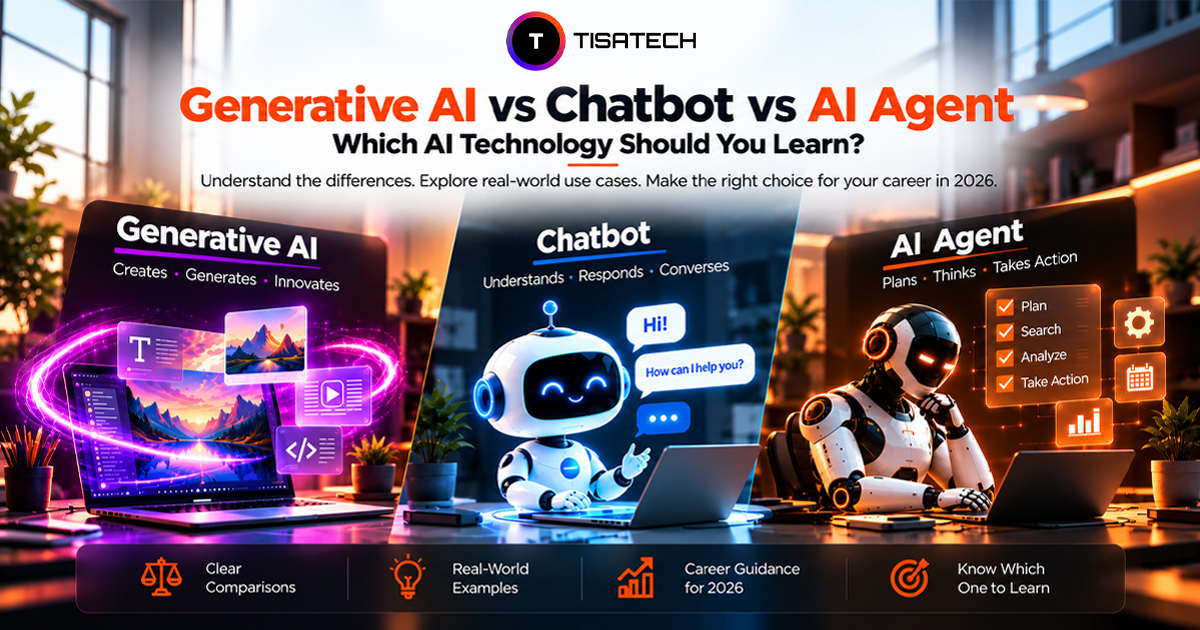
What Is the Difference Between Generative AI, Chatbots, and AI Agents?
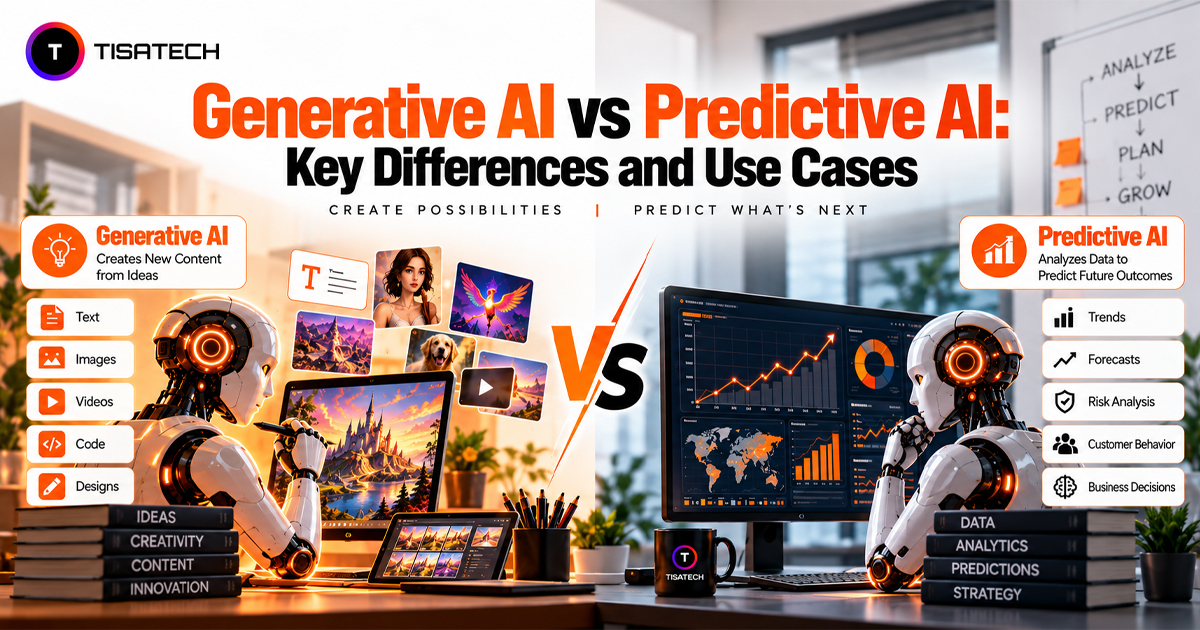
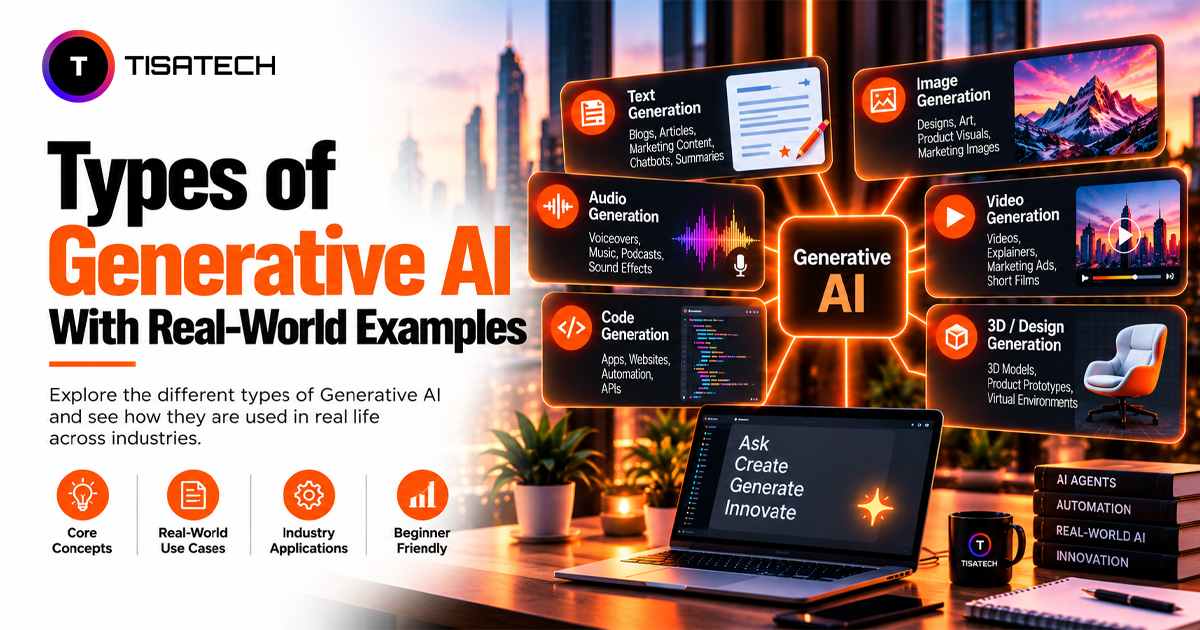
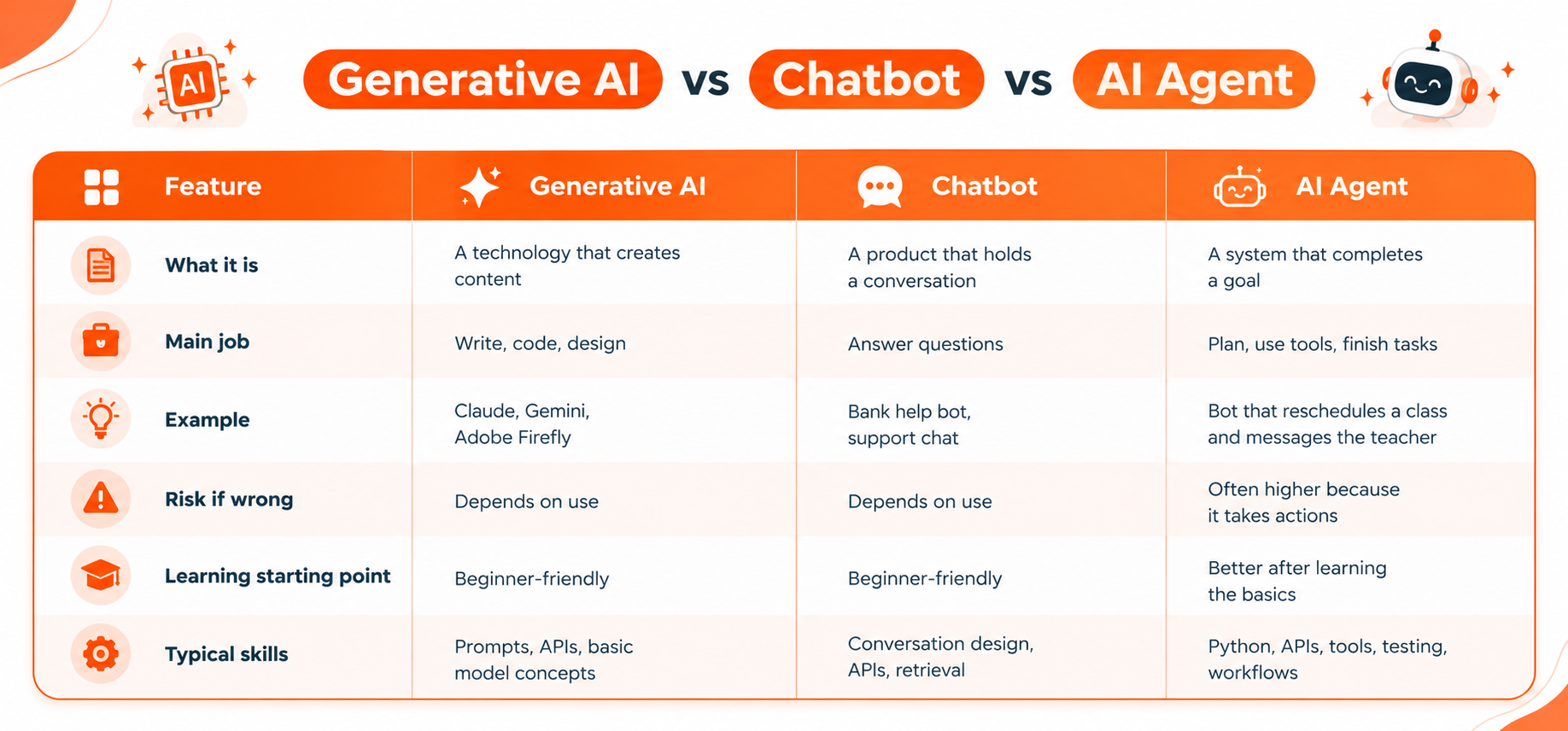
Think of a restaurant. Generative AI is the chef’s skill. It learns patterns from huge amounts of data and creates new text, code, images, and audio. GPT, Gemini, and Claude are models of this type.
A chatbot is the waiter. It takes a question and gives an answer, one turn at a time. Some follow fixed rules, while others run on Generative AI.
An AI agent is the manager. It takes a goal, plans the steps, uses tools and APIs, and checks the result. It gets the work done instead of only talking.
Generative AI can power chatbots and AI agents, but the three are not the same thing. Here’s a quick comparison to make the differences easier to understand.
How Are Chatbots and Generative AI Different in Real Life?
Many people treat the two as the same, but they sit in different categories. Generative AI is a technology, and a chatbot is a product. A rule-based bot can answer from a fixed menu with no Generative AI inside. In the same way, an image tool like Adobe Firefly uses Generative AI with no chat at all.
A quick test sorts them out. If the main purpose is conversation, you are likely dealing with a chatbot. If the system generates text, images, code, audio, or other content, it uses Generative AI. If it can decide what steps to take and use tools to complete a goal, it fits the AI agent model.
Is an AI Agent Better Than a Chatbot?
No, an AI agent is not better in every case. It is better for some tasks and a chatbot is better for others. The right choice depends on the job.
A chatbot replies to your message. You ask a question and it gives an answer. It follows set rules or uses a language model to respond in a conversation. It does not take actions on its own.
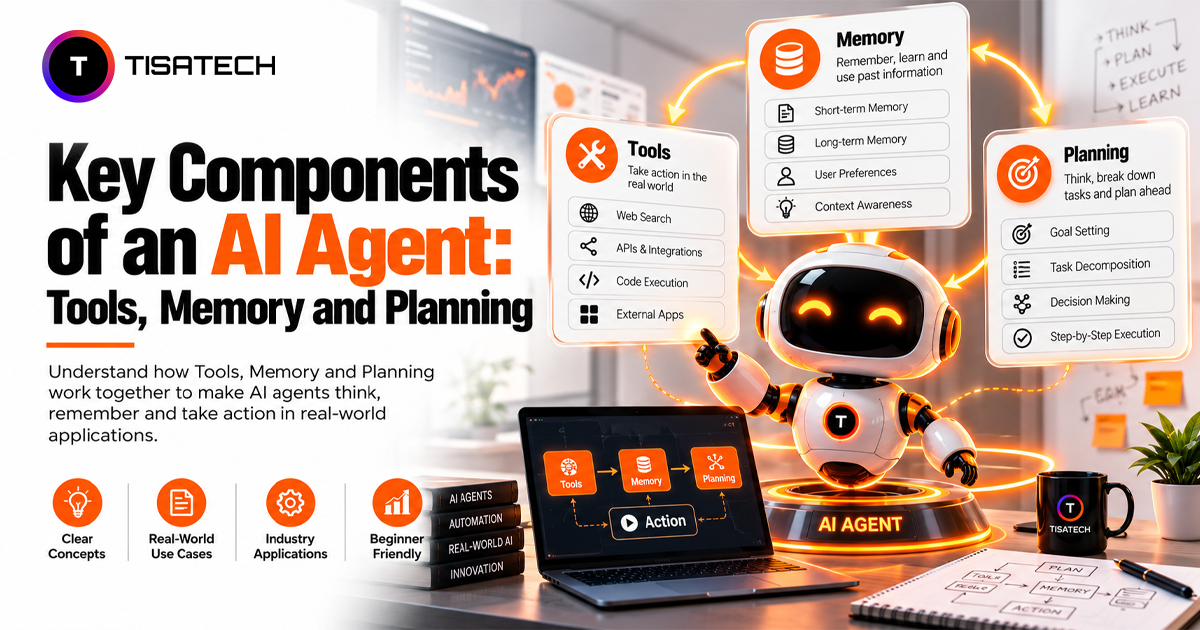
An AI agent works toward a goal. It plans the steps and uses tools like search, email, databases or code. It checks its own results and keeps going until the task is done. IBM describes AI agents as systems that can make decisions and complete tasks with little human input. Google Cloud explains that agents combine reasoning, planning and memory to act across tools.
Chatbots work best for simple and repeated tasks. These include FAQs, order status checks and basic support. They cost less to build and they are easy to test. They also make fewer mistakes that could cause serious problems, because they only talk.
AI agents work best for complex tasks with many steps. These include research, report writing, data cleanup, code review and workflow automation. They save more time but they also carry more risk. An agent can take a wrong action such as sending a wrong email or editing a wrong file. They cost more to run and need careful testing. Most companies still keep a human in charge of important decisions.
Anthropic advises teams to start with the simplest solution and add agent features only when the task needs them. This is good advice for beginners too.
Which Should Beginners Learn First: Generative AI or AI Agents?
Start with Generative AI. Then build a simple chatbot. After that, move to AI agents. Each step teaches you skills that the next step needs, so you never feel lost.
Step 1: Learn Generative AI
Begin with prompting and basic model concepts. Learn how a model takes your input and creates an answer. Then learn how an API lets your own app talk to that model. The OpenAI API documentation is a good place to practice this.
Next, learn Retrieval-Augmented Generation, also called RAG. RAG lets your app retrieve relevant information first and use it to generate a more grounded answer. The original RAG research paper explains the idea if you want to go deeper.
Do not stop at tutorials. Build a small project like a PDF question-answer tool. You learn much faster when you fix your own bugs.
Step 2: Build a Chatbot
A chatbot teaches you how real users talk. Learn how to understand what a user wants. Learn how your bot can remember the last few messages. Add a simple data lookup so it can answer from your own content.
Also learn guardrails. Guardrails are rules that keep your bot on topic and stop it from giving wrong or unsafe answers. This habit will matter even more when you build agents.
Step 3: Move to AI Agents
Now you are ready for agents. Start with the ReAct pattern, which stands for Reason and Act. The agent thinks about the next step. Then it acts and checks the result. It repeats this until the goal is done.
Next, learn function calling. This lets your agent use tools like search, calculators or databases. Then learn how vector databases can help an agent retrieve useful information from past data.
You also need solid Python skills. Learn JSON because agents pass data in this format. Learn error handling too. Tools fail often and a good agent must handle that without crashing.
When Should You Use an AI Framework?
Once the basics feel comfortable, try a framework. LangChain, CrewAI and the OpenAI Agents SDK are popular choices. They save you a lot of setup work when you build agents.
Still, build one small agent without a framework first. When you write the loop yourself, you understand what the framework does for you. That knowledge helps you debug problems later.
What Should Beginners Build First in 2026?
Start with Generative AI. It has the lowest barrier, because a browser and a free account are enough. Google AI Studio lets beginners test prompts in minutes and get a free API key for the first real project.
A simple three-month project path is easier to follow:
- Month 1: Build a basic Generative AI app. Practice prompts and make your first API call.
- Month 2: Build a chatbot. Make it answer questions from a small set of personal notes or documents.
- Month 3: Build a simple agent. Give it one task, such as creating a daily study summary or organizing emails.
Each stage should end with a finished project, even a tiny one. A working project teaches more than ten tutorial videos, and it gives something real to show in an interview.
What Skills Are Needed to Build AI Agents, Chatbots, and Generative AI Apps?
Chatbots, agents, and Generative AI apps all use the same core skills. Learn these once and you can build any of the three. Employers also want people who can build with AI, not just use it. The World Economic Forum’s Future of Jobs Report 2025 ranks AI and big data among the fastest-growing skills. Spending time on the basics will help you later.
- Python: Start with Python. Most AI libraries, APIs, and learning resources support it. You do not need to master everything. Focus on functions, loops, classes, file handling, and working with packages. These cover most of what AI apps need.
- APIs and JSON: Next, learn how APIs work. Your app sends a request to an AI model and gets a response back. That response usually comes in JSON format. JSON is a simple way to organize data with names and values. The MDN guide to JSON explains it well for beginners. Agents depend on JSON even more because they pass data between tools in this format.
- Prompting and Basic Model Knowledge: Learn how to write clear prompts. Know what a token is and why long inputs cost more. Understand why models sometimes make up facts. This knowledge helps you fix weak answers before users notice them.
- Testing: Most beginners skip testing. Please do not. An agent can work once and then fail on a different input. Write checks that confirm your app behaves the right way every time. A tool like pytest makes this easy in Python. Also test with bad inputs. Try empty messages, very long messages, and confusing questions. This is how you find weak spots early.
- Git and Docker: Learn Git so you can save your work and track every change. It also lets you share projects on GitHub. Later, learn Docker so your app runs the same way on any computer. These tools also make it easier to manage and deploy real projects.
- Full-Stack Development: An AI idea needs an app around it. Full-stack development skills let you build the website that users see and the backend that runs the AI work. FastAPI is a great way to start the backend because it is fast to learn and works well with Python. Add a simple frontend with HTML, CSS, and JavaScript. Then connect both parts.
| Follow Us for Daily Tech Tips |





|
Turn AI Theory into Real Projects with TISA-TECH in Jaipur
Free tutorials are useful for learning the basics, but they cannot check your code when something goes wrong or answer your questions as you work. Classroom training gives you direct guidance, so you can understand the mistake, fix it, and move forward.
At TISA-TECH, students learn AI and software development through practical projects in Jaipur. The learning path follows the same progression discussed in this guide. The Generative AI course covers prompts, APIs, and RAG to build a strong foundation. The AI and Machine Learning course then introduces the data and model concepts used in chatbots and AI agents. Full-stack development adds the skills needed to turn these concepts into working applications.
Once you build your projects, publish them on GitHub with a short explanation of what each project does. A clear project portfolio can give recruiters a better idea of what you can actually build.
Conclusion
The easiest way to understand AI agents, chatbots, and Generative AI is to focus on what each one does. Generative AI creates content, chatbots focus on conversation, and AI agents use tools and multiple steps to complete goals.
For beginners, starting with Generative AI and then building chatbots before moving to AI agents creates a practical learning path. Prompts, APIs, Python, testing, and project experience provide a foundation that remains useful as AI tools and frameworks change.
FAQs Section
Ans. No. Prompts and AI tools like ChatGPT, Claude, and Gemini work without any code. Python becomes especially useful when the goal is to build and customize chatbots, AI applications, and agents.
Ans. Not for building chatbots and agents. These projects use ready-made models through APIs, so school-level logic is enough. Advanced math becomes more important when you move into areas such as machine learning, model training, and deeper AI research.
Ans. Yes. Prompting, AI tools, and no-code automation are open to every stream. Moving into agent development takes basic Python. Students from non-IT backgrounds can also learn it, although they may need more time to build basic programming skills before moving into agent development.
Ans. No. Models run on the provider’s servers and reach the laptop through an API, so an ordinary laptop is enough. For many beginner projects, services such as Google AI Studio and Google Colab can reduce the need for powerful local hardware.
Ans. It can make agent development harder. Modern AI agents commonly use Generative AI models to reason through tasks, so understanding prompts, APIs, and model behavior first makes debugging easier.
Ans. It depends on practice time. A small chatbot takes a few weeks for most beginners, and a simple agent follows once APIs and basic Python feel comfortable. Consistent daily practice is usually more useful than occasional long sessions.
Ans. Yes, AI skills can support entry-level opportunities in areas such as AI development, automation, and AI-enabled software workflows. The exact role depends on programming skills, project experience, and the employer.